
How to Search for a Nueces County Warrant
Nueces County has no single public warrant database. The Sheriff directory gives a Warrants/Civil Process phone line, but the official pages inspected did not show a public Sheriff search form. Start instead with the court that issued the citation or case: Corpus Christi Municipal Court, the named Justice of the Peace, a County Court at Law, or a District Court.
Use a case or citation number when one is available. A name search can point to a case, but it does not by itself confirm that a warrant remains active. Keep the result and ask the issuing clerk what record it represents, whether the court has recalled or served the process, and what action follows.
- Identify the court on the ticket, notice, or case paperwork. City Class C matters start with that municipal court; a precinct citation starts with its JP.
- For a county criminal case, open the Nueces County case portal. Smart Search accepts a case number or party name entered Last Name, First Name.
- For a Corpus Christi citation, use the Municipal Court warrant route. The city search has separate citation, docket, police-case, and warrant-number fields.
- Call the issuing clerk. For county-held service process, call Sheriff Warrants/Civil Process at (361) 887-2239. If needed, send a written Texas Public Information Act request to the office that keeps the record.
- Check OmniBase separately for an eligible failure-to-appear or failure-to-pay report. It is not a warrant registry. Ask the court or a lawyer about the right resolution step.
Nueces County Warrant Search Is Court-Specific
A Corpus Christi search covers that city's municipal court. A Nueces County case portal covers county docket material. A JP portal covers a single precinct. These systems can all be correct at once because the records start in different courts.
The county records-services map directs criminal and felony court records to the District Clerk, traffic matters to the JP that heard them, and Sheriff reports to the Sheriff. Choose the court from the original citation or case before searching; a Corpus Christi result is not a countywide answer.
Nueces County Records Services describes the separate record routes.
Nueces County Warrant Search Fields
The county's Smart Search is a case index, not a Sheriff warrant form. The District Clerk help page explains the fields below. A matching case can help identify the assigned court and docket; the clerk must confirm whether a separate warrant is still in force.
Use the written format the interface expects. Search groups and pagination can hide later results, so inspect the case detail rather than stopping at the first name match.
| Field Label | Type | Required | Notes |
|---|---|---|---|
| Case number | Text | Not stated | Hyphens may be omitted. |
| Party name | Text | Not stated | Enter Last Name, First Name, with a comma. |
| Party type | Filter | Optional | Includes party, business-name, and nickname modes. |
| DOB range | Date filter | Optional | An advanced filter, not a public sample value. |
| Case details | Filters | Optional | Case type, status, file date, and judicial officer. |
JP Warrant Searches Stay Precinct-Specific
Nueces County has nine Justice of the Peace courts. A JP portal or clerk covers its own precinct, not every traffic or Class C case in the county. The county identifies JP 2-1 along South Padre Island Drive; JP 3 serves the Bishop area. Check the citation before choosing a portal.
The official JP 2-1 court search shows that precinct's route.
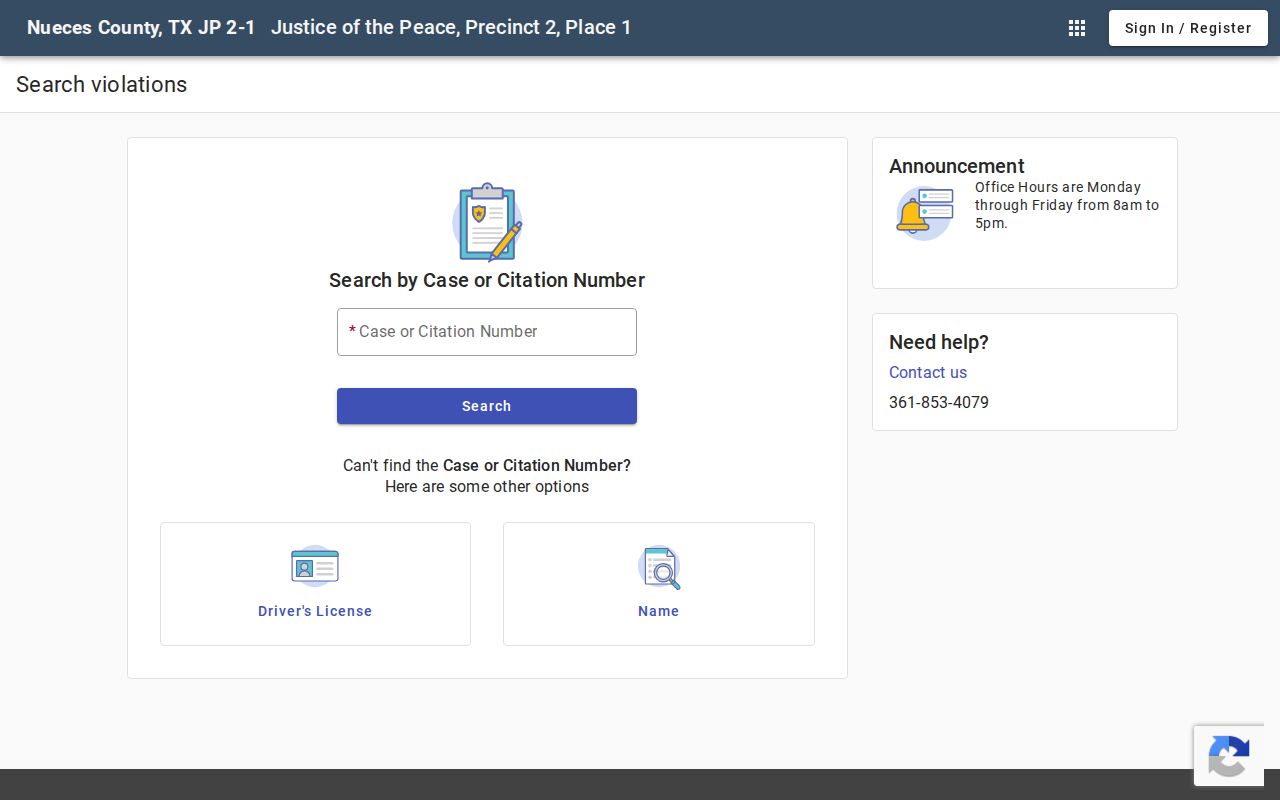
Its form includes case or citation, name and date, driver-license, and vehicle search paths. Use the official form for your own case; do not post another person's identifiers.
The JP 3 Tyler portal is another separate search, not a countywide roll-up.
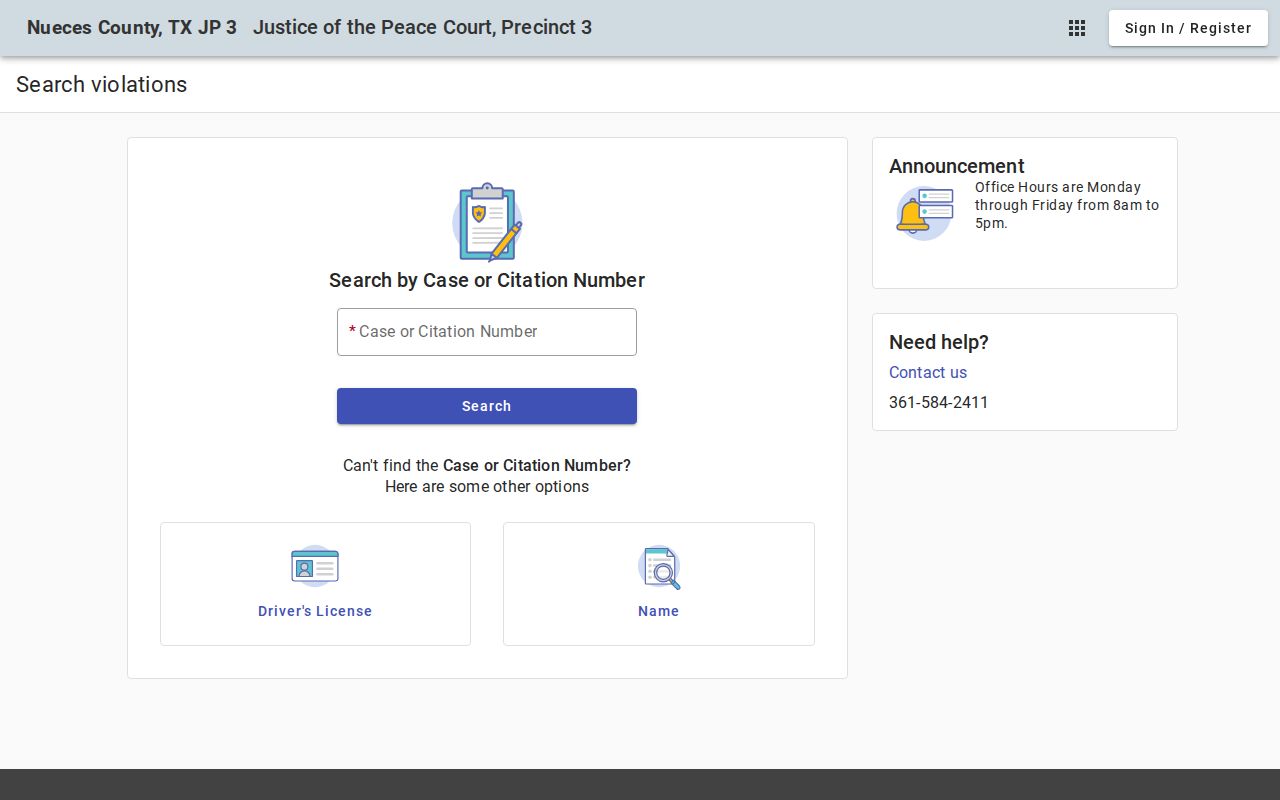
Call the listed precinct clerk if the search does not show a warrant label or current status.
What a Nueces County Warrant Search Returns
A portal may show a case, charge, court, event, or payment assessment. Those items help find the right record. They do not always carry a separate active-warrant flag. The county does not publish a common status-code key or a local warrant-number format.
For example, a fictional identifier such as CR-EXAMPLE-0001 marks a sample only. Compare the court, process label, and latest event, then ask the clerk to explain the status used in that court.
| Warrant number | Format not published in the inspected county sources. |
|---|---|
| Case or citation | Identifies the docket or issuing court tied to the search. |
| Charge and court | Smart Search may show charge, court, judicial officer, and case type. |
| Events and money | Hearings, dispositions, assessments, and payments can appear in separate blocks. |
| Process status | Ask the issuing court whether it is active, served, recalled, or quashed. |
Nueces County Case Is Not a Warrant
The District Clerk portal helps locate felony and criminal-misdemeanor court records. A case status or charge entry is not a countywide certification of warrant status. A filing, court event, disposition, or balance each describes a different part of the case.
Open the case detail, note the assigned court and latest event, then contact the clerk. The District Clerk lists (361) 888-0450 for records questions. Ask whether the docket contains an active arrest warrant or capias and which office holds service process.
The Nueces County active-warrant overview explains the local list gap and the separate systems behind an “active” label.
Where Nueces County Warrants Are Checked
The issuing court keeps the case record. Municipal courts handle city ordinance and fine-only Class C matters; each JP keeps its own precinct docket; the District Clerk serves district felony and criminal-misdemeanor records. The Sheriff Warrants/Civil Process line is for county-held service questions, not a public online index.
Texas has no single public statewide warrant search. OmniBase handles eligible failure-to-appear or failure-to-pay reporting tied to license renewal, while DPS directs warrant questions back to the reporting court. Federal records use a separate court system.
Confirm a Nueces County Warrant Result
Call the office that owns the case before acting on a portal match. The District Clerk handles county criminal and felony record questions; a JP or city clerk handles that court's traffic and Class C matter. The Sheriff line can explain county service routing when a court says NCSO holds the process.
Nueces County Sheriff Warrants/Civil Process
901 Leopard Street, Corpus Christi, TX 78401
(361) 887-2239
The administration page describes a 24-hour office location, but does not promise that the public warrant desk takes walk-ins at all hours. Call first and ask which office and hours fit the case.
Access and Restricted Warrants
The Texas Public Information Act allows requests for existing government records, but it also allows protected information to be withheld. Send a written request to the department that keeps the record. Nueces County says to describe the record sought; if production will take longer than ten business days, the office must give written notice.
Juvenile arrest warrants and supporting papers are confidential under Family Code section 58.010. Sealed material and records whose release could interfere with an investigation may also be restricted. A missing result can reflect coverage, timing, or access limits.
Key Rules:
Texas Government Code Chapter 552 governs public requests and includes law-enforcement exceptions.
Texas Family Code section 58.010 restricts public access to a child's arrest warrant and supporting complaint or affidavit.
An unserved or sealed record may not appear in an ordinary search. Ask the issuing court; absence is not confirmation that no process exists.
Nueces County Warrant Portals Have Limits
A city search covers that municipal court, a JP portal covers its precinct, and Smart Search covers county case records. The Sheriff directory supplies a service contact. None replaces the others, and a county search cannot certify a federal result.
For a federal matter, use the Southern District of Texas Corpus Christi Division and PACER. If a court does not publish the status sought, make a narrow request for an existing docket or status record. Do not ask an office to create a new legal conclusion or a list of people.