
Route a Bishop Question by the Ticket
Bishop does not have a public municipal warrant portal in the sources reviewed. Use the citation to determine whether the case belongs to Bishop Municipal Court or JP 3. City Hall lists a contact route; the police department can answer law-enforcement questions but is not the clerk for a court balance or recall.
- Read the ticket to see whether it names the municipal court or JP 3.
- For a city matter, contact Bishop City Hall and ask for the municipal-court clerk.
- For JP 3, use its separate Tyler case search or telephone the precinct.
- Ask the record holder whether a warrant issued and whether it was later cleared.
- Use countywide or state routes only for a separate case or license-reporting question.
Bishop City Hall Is the Municipal Starting Point
Bishop City Hall is listed at 203 E. Main Street, with a general phone number of (361) 584-2567. The city contact page is a routing point, not a searchable court docket. Ask which clerk handles the municipal citation before sending identifying documents through a general form.
The city population is small, but that does not mean city and JP records are combined. A record request should identify the court and ticket date.
Bishop's official city site provides its current contact route.
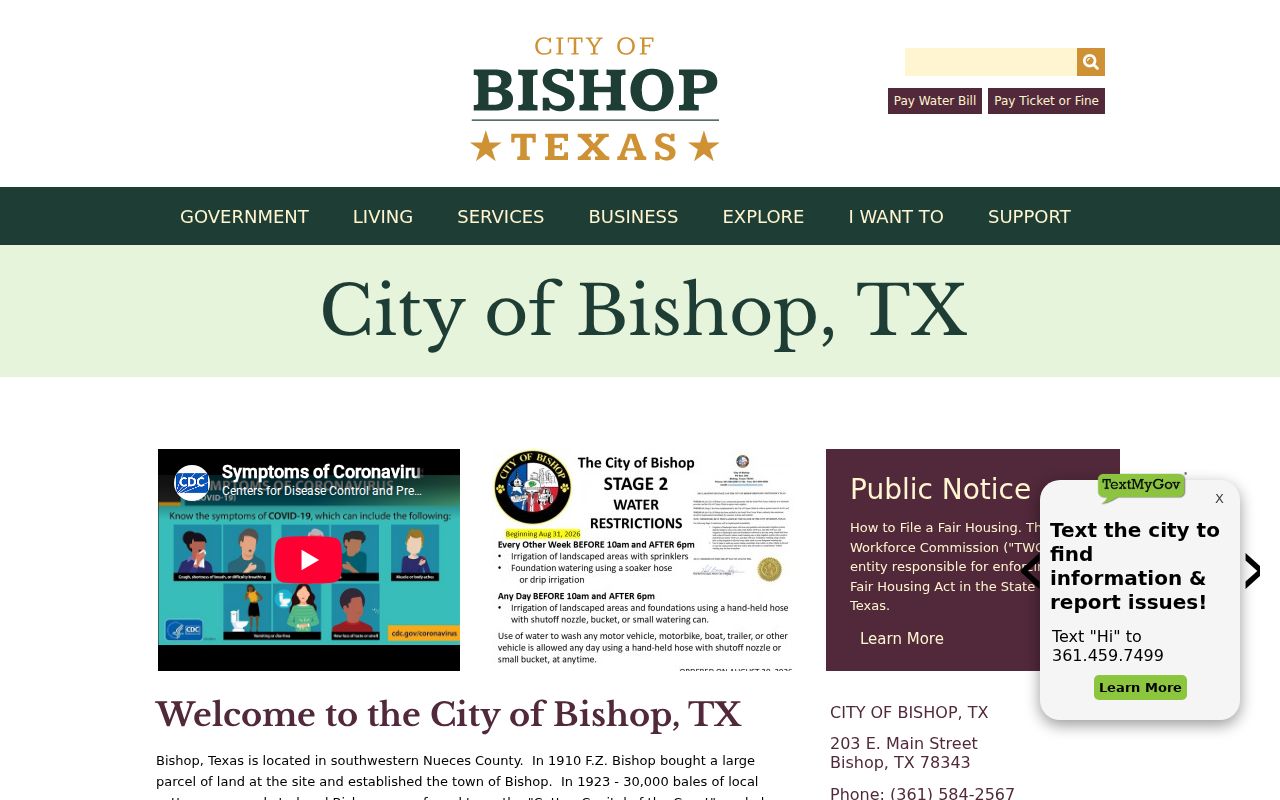
Confirm the department that holds the case before requesting a copy.
Bishop Police and the Court Answer Different Questions
Bishop Police is listed at 119 E. Fourth Street, phone (361) 584-2443. Contact the department for a police incident or records matter. The municipal judge and clerk handle city citations, court settings, and any city-court warrant entry.
The city does not advertise a warrant list on the reviewed pages. Ask the clerk whether a written request, in-person visit, or phone check is appropriate before assuming a city record is unavailable.
Bishop's Contact Form Should Carry a Narrow Request
If the city directs you to its contact form, identify the specific ticket or record and ask which municipal clerk holds it. Avoid sending sensitive personal details until the city confirms the proper channel. A focused request for an existing citation or docket entry is easier to route than a broad demand for every warrant.
City Hall and Police are separate offices; state which one you need. The response can identify a record holder without providing legal advice about resolving a charge.
Use Bishop's current contact page to verify the route before submitting.
Bishop City Cases and JP Cases Are Not Interchangeable
A Bishop municipal citation usually concerns a city ordinance or fine-only Class C matter. A JP 3 ticket belongs to the precinct court, and a felony or higher-level criminal case may be held elsewhere. The court name on the paperwork controls where to ask about its process.
| Warrant Type | How It Arises | Who Issues It |
|---|---|---|
| City traffic citation | Unresolved municipal traffic matter | Bishop Municipal Court |
| Ordinance case | Alleged violation of city rules | Municipal judge |
| Missed setting | Failure to meet a city-court appearance obligation | Issuing municipal court |
| Criminal arrest order | Separate allegation reviewed by a magistrate | Authority with criminal jurisdiction |
What a Bishop Clerk Can Identify for You
Because the city does not publish a public warrant search, ask a clerk to match the ticket or docket. Request the issuing court, cause number, charge, latest setting, amount if any, and whether a warrant was issued or recalled. A police report number may help with an investigation but will not replace the court cause.
| Warrant / Cause Number | Ask which number the court uses; no Bishop format was published. |
|---|---|
| Subject Name | Use the spelling on the city citation or filed case. |
| Charge / Offense | Determine whether it is a city ordinance, traffic, or separate criminal count. |
| Issuing Court | Confirm Bishop Municipal Court or JP 3 by the document. |
| Bond / Fine Amount | Request the current figure and court-approved options. |
| Status | Ask the clerk whether process remains open, served, or recalled. |
Bishop Court Directory Information Needs Verification
The state Office of Court Administration listing reviewed for Bishop dates to 2023. It can help identify a court, but old directory data is not confirmation that a phone number, clerk, or public lookup route remains current.
Use City Hall's current contact information to verify the city court route. For JP 3, check the live precinct portal and current county directory before mailing records or appearing in person.
Bishop Citations Stay With Their Named Court
Bishop's city court, JP 3, and the Nueces County Sheriff maintain different records; Texas OmniBase reports certain eligible failures to appear or pay for license renewal but is not a warrant list.
For Bishop residents: Start with the municipal clerk for a city ticket, then use JP 3 only if the citation identifies that precinct.
The county warrant overview and search instructions describe other county-level records.
Ask Bishop for an Existing Record, Not a Legal Opinion
A written request can identify an existing citation, docket entry, or communication held by the city. Include an approximate date and the office that may hold it, and ask the city to route the request if necessary. The city is not required to create a new certification that a warrant does or does not exist.
Chapter 552 access remains subject to statutory exceptions, and juvenile arrest records have separate confidentiality protections. Describe the record narrowly and confirm the right city contact first.
Bishop Record Access Depends on the File Type
Public information law applies to existing city records, but the custodian may withhold or redact protected material. A city-court docket, police incident file, and juvenile warrant document have different access rules. The clerk can explain how to request a public record without confirming confidential content.
Key Rules:
Texas Government Code Chapter 552 governs public requests and exceptions.
Texas Code of Criminal Procedure Chapter 45A covers qualifying municipal and JP capias-pro-fine matters.
Texas Family Code section 58.010 protects a child's arrest warrant and supporting complaint.
No Bishop Public Roster Was Located
Sources reviewed did not identify a Bishop city warrant list or an online municipal search. That finding describes the available public tools, not whether a person has a case. Contact the court or ask the city how it handles status inquiries.
For a JP matter, use the JP 3 portal. A county-wide name search may not include either local court's complete process data.