
Traffic Warrants in Nueces County
A missed traffic setting or an unpaid judgment can lead to additional court process, but the exact sequence depends on the citation and issuing court. The ticket should identify whether the case is municipal or assigned to a JP. Nueces County does not publish one countywide traffic-warrant list or uniform issue timetable.
Payment to the wrong court will not resolve the issuing docket. Start with the citation number, court name, and date, then confirm whether the record is a fine balance, failure-to-appear report, capias, or arrest warrant.
Corpus Christi Traffic Warrants Use City Fields
Corpus Christi Municipal Court's official search offers fields for citation, docket, police case, warrant number, name, license plate and state, and VIN. Use the citation or warrant identifier when available. The form covers city court records; it does not search JP citations or every Nueces County case.
Open the city's warrant search page for the linked case route and current court contact. A name match should be checked against the citation and court before payment.
How to Check for a Nueces County Traffic Warrant
Check the issuing court's citation or case system first. Corpus Christi publishes a city search; JP 2-1 and JP 3 have separate Tyler portal searches. If the city or precinct is unknown, read the citation or ask the issuing clerk rather than relying on a county name-only search.
- Use the city or JP court link named on the ticket; the search covers that court's docket only.
- Search by citation or case number, then compare name and other supplied identifiers.
- Call the issuing clerk if the result is missing, unclear, or lacks a warrant-status field.
- Ask about an in-person appearance or hearing and consult counsel before choosing a plea or payment.
What a Traffic Warrant Shows
A traffic result may show citation or cause number, the court, a charge, a balance, and recent events. Local warrant-number formatting and a common status vocabulary were not documented. Read the latest court event and ask the clerk whether the warrant itself is active or has been recalled.
| Warrant / Citation Number | Use the number as printed; no shared county format was located. |
|---|---|
| Charge / Offense | Read the cited violation and case level shown by the court. |
| Issuing Court | Confirm the exact municipal court or JP precinct. |
| Bond / Fine Amount | Request the current amount and available options from that clerk. |
| Status | Ask whether the citation is pending, adjudicated, paid, or still subject to process. |
Robstown Gives a Court Deadline for Citations
Robstown Municipal Court says a citation recipient should make an initial appearance by day 14. Its court page explains failure-to-appear and failure-to-pay consequences and identifies payment methods. The city did not expose a live public warrant search in the research review, so call the clerk to confirm a current case or warrant.
Keep the citation and payment receipt. Robstown Police at 430 E. Main and its non-emergency line are a separate route for police records, not the court's fine or warrant status desk.
Robstown Municipal Court publishes its local instructions.
Paying or Lifting a Traffic Warrant
First ask the issuing clerk for the exact balance, whether payment produces a conviction, and whether a hearing or bond option is available. A payment may satisfy a fine but does not automatically update every related hold or court record. Get confirmation of the warrant status and any next setting.
- Confirm the court, process, total due, and accepted options directly with the clerk.
- Choose only an authorized payment or appearance route and retain the receipt or setting notice.
- If contesting the citation, ask about the court's bond or hearing process before paying a judgment.
- Check that the court entered satisfaction or recall and ask separately about a state hold.
Warning: A receipt or partial payment may not clear a warrant; ask the issuing court to confirm the recorded result and any remaining obligation.
Corpus Christi Resolution Month Has Specific Terms
Corpus Christi's 2026 notice describes a September warrant-resolution period for municipal citations. It lists a $50 warrant fee, a $10 OmniBase fee, 30 percent collection charges, and online payment charges of 3 percent plus $2.50; phone payments add $2.50. Those numbers belong to the dated city program and can change.
The city states that partial payment does not clear the warrant and online or phone payment results in a conviction. Its notice also describes in-person court and Community Court options within that program. Check current eligibility and terms before acting.
Corpus Christi's roundup notice is the source for the event terms.
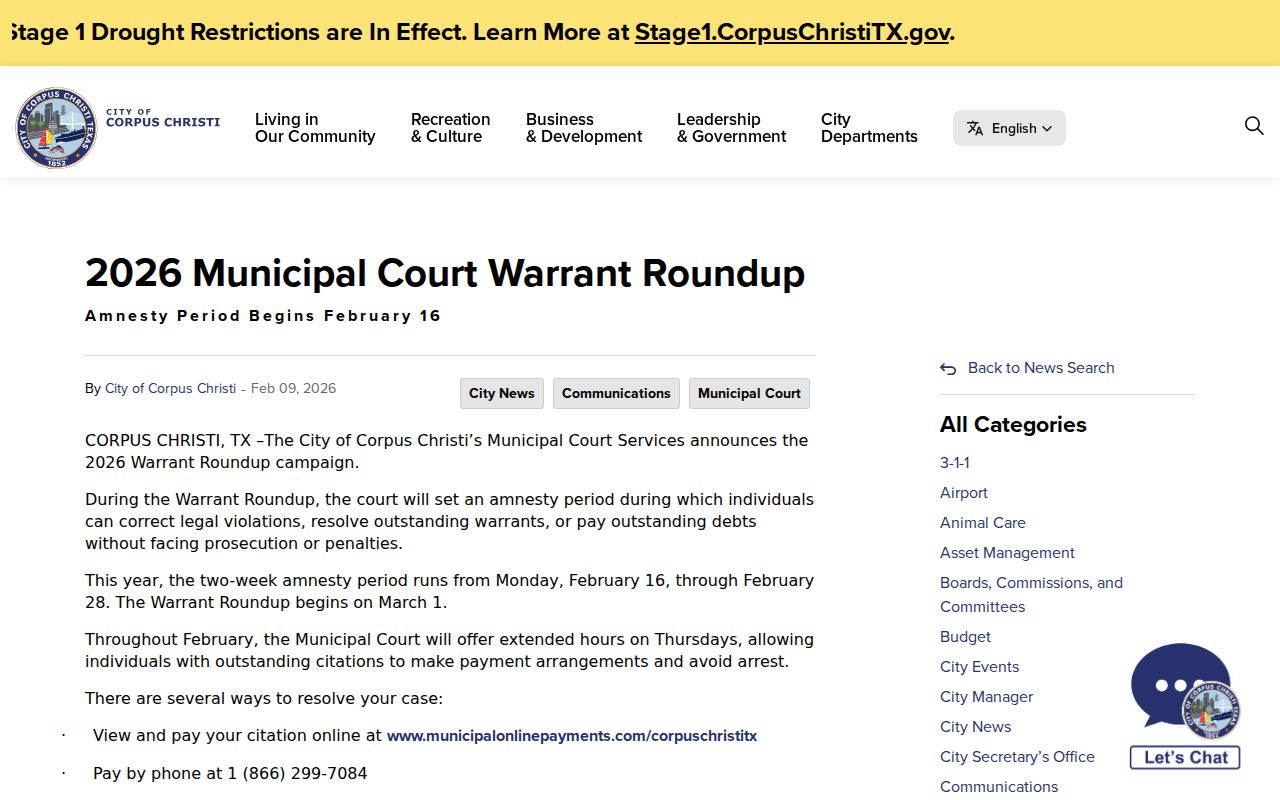
This is a Corpus Christi municipal process, not a countywide amnesty offer.
Traffic Warrant vs FTA and License Holds
A missed appearance can create a court process, while an OmniBase report concerns certain eligible failures to appear or pay linked to license renewal. They are related consequences but not the same record. Ask the court which action is outstanding and whether a separate state-program report was sent.
| Mechanism | What Triggers It | What It Does |
|---|---|---|
| Traffic warrant | Process issued by the municipal or JP court | Authorizes enforcement described in the court order |
| Failure-to-appear process | Missed a scheduled court obligation | May lead to separate court action or capias |
| OmniBase report | Eligible FTA or FTP sent by a participating court | Can affect driver's-license renewal; it is not a warrant roster |
OmniBase Is a License Program, Not a Warrant Search
OmniBase administers eligible failure-to-appear and failure-to-pay reporting tied to Texas driver-license renewal. It does not reveal every active warrant and cannot certify that a person has no open process. DPS license staff direct warrant questions back to the reporting court.
After a court reports an eligible matter as resolved, system updates may take up to seven business days. Ask the court whether it sent the clearance and check with DPS only for the license status.
OmniBase's official program information explains the reporting route.